Bridge Actor
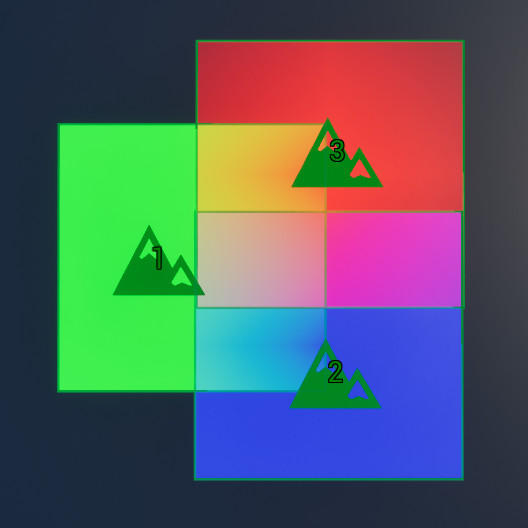
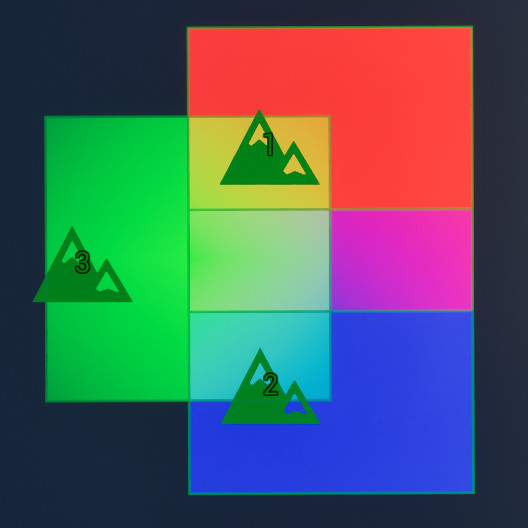
The Errant Landscape Bridge Actor serves as the connection between Errant Landscape brushes placed in the world and the Errant Landscape subsystem. Its primary role is to define how each brush interacts with the landscape during modification operations.
The Bridge Actor determines:
- The landscape(s) affected by the brush.
- The valid operating and streaming bounds for the brush.
- The edit layer used when writing to heightmaps and weightmaps.
- How the brush influences landscape weightmaps.
Multiple Bridges
A level may contain multiple Bridge Actors; however, each brush can be associated with only one Bridge Actor at a time.
Multiple Landscapes
A single Bridge Actor can contain settings for multiple landscapes. Brushes assigned to that Bridge Actor will be able to affect Multiple Landscapes accordingly.
Edit Layers
Each edit layer assigned to a Bridge Actor must be unique. Assigning an edit layer that is already in use—either by another Bridge Actor or by a different Per Landscape Settings entry—will not function correctly.
Default Assignment
The Bridge Actor assigned to newly placed brushes can be configured under
Brush Creation → Errant Landscape Bridge in the Create section of Errant Landscape Mode.
When an invalid Bridge Actor is assigned, brushes may fail to load correctly.
This can occur when copying and pasting brushes or Bridge Actors between different maps, or when saving a Bridge Actor reference inside a Blueprint-based brush. In these cases, the brush may store invalid data such as incorrect bounds or references to assets that cannot be loaded.
To resolve this, pin the brush actor in the World Outliner and assign a valid Bridge Actor.
Weightmap Method
Defines how weightmaps painted by Errant Landscape brushes are processed before being written to the selected edit layer.
Weight Blend With Default – Blends weightmaps painted by Errant Landscape brushes.
The default (first) weightmap is used as a base to fill the entire landscape (instead of zero).
Only blends weight-blended layers (ignores non-weight-blended layers).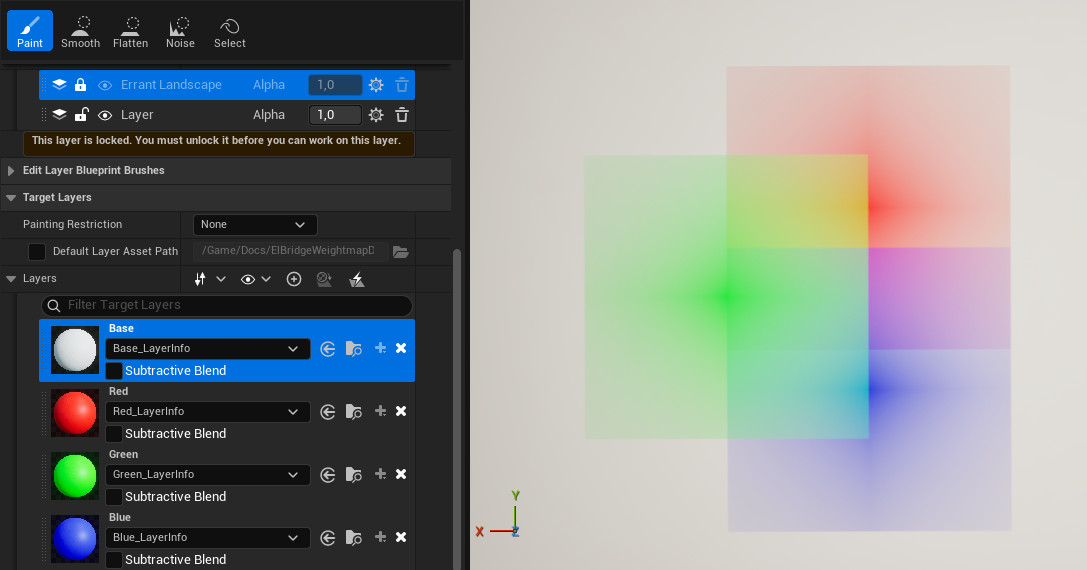
Weight Blend No Default – Blends weightmaps painted by Errant Landscape brushes.
No default weightmap is used; as a result, some areas may remain unpainted.
Only blends weight-blended layers (ignores non-weight-blended layers).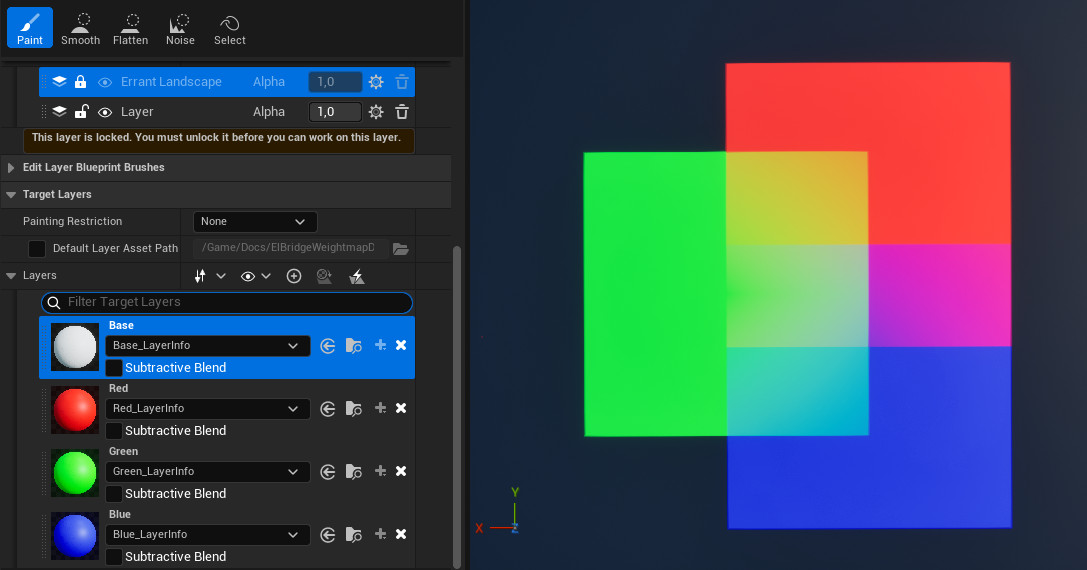
No Weight Blending – Disables blending entirely; writes brush values directly into the weightmap textures.
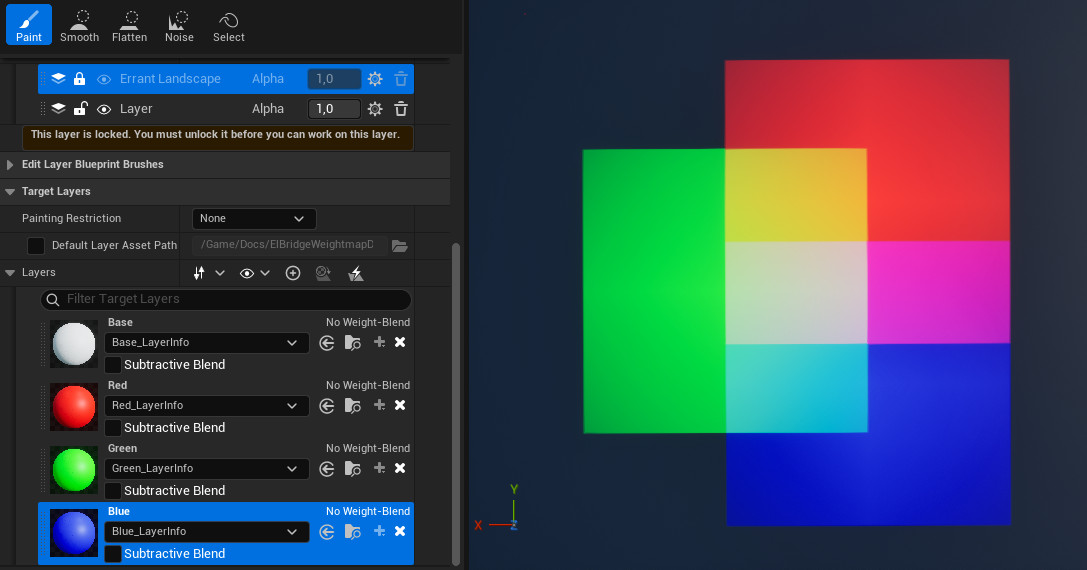
Weight blending settings may produce different results depending on Brush Priority.